 Privacy & Passwordsby Nishant Chauhan
PassLock – Password Manager
Secure offline password vault with encrypted storage & backup.
- Installs
- 100+
- Content rating
- Everyone
- Released
- Jan 31, 2026
- Updated
- Feb 14, 2026
- Version
- 1.0.2
- Price
- Free
- Ads
- Contains ads
- In-app purchases
- Yes
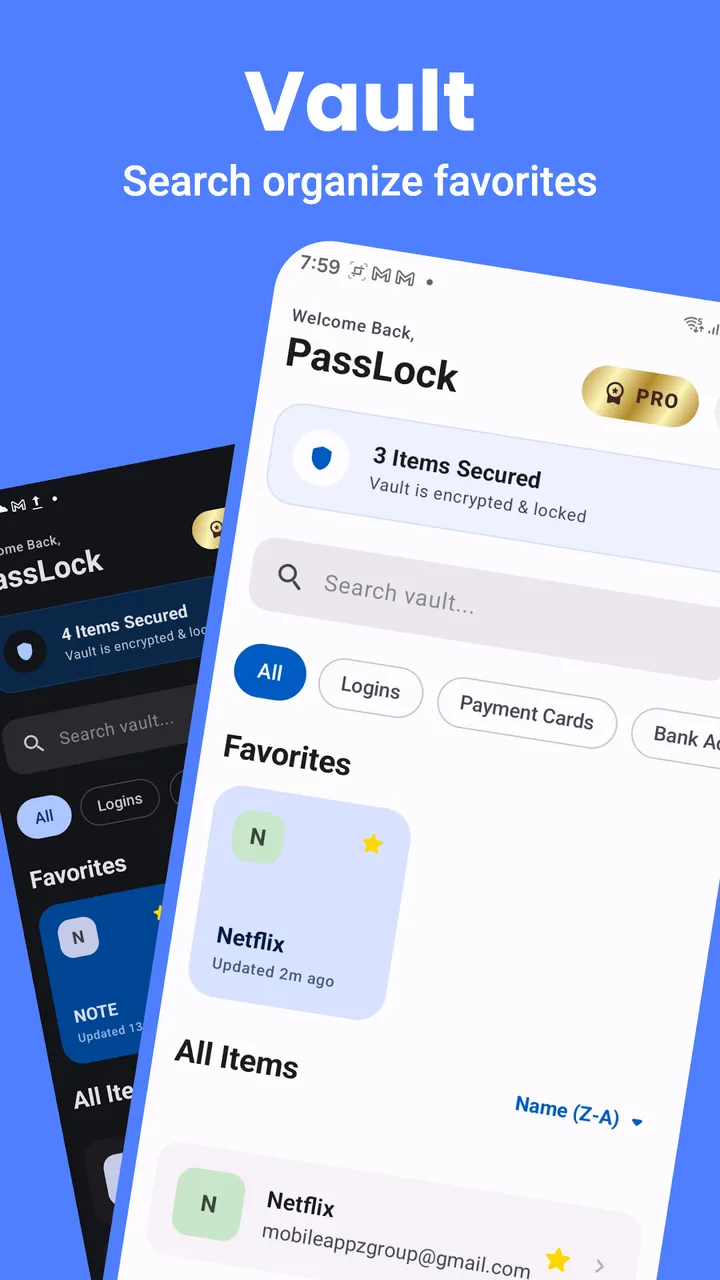
Screenshots
About PassLock – Password Manager
PassLock is a secure offline password vault designed to protect your digital life with strong encryption and complete privacy.
Store your passwords and sensitive information safely inside an encrypted vault that only you can unlock.
🔐 Secure Encrypted Vault
PassLock uses advanced encryption to protect your saved passwords and private data. Your vault is secured with your master password and biometric authentication for quick access.
All data stays on your device. No tracking. No unnecessary permissions.
🧠 Simple & Powerful Password Manager
Organize and manage:
- Website logins
- Email accounts
- Credit cards
- Bank details
- Secure notes
- WiFi credentials
- Custom entries
Keep everything secure in one private password vault.
🔎 Fast Search & Organization
Easily find your saved accounts with quick search and smart sorting. Stay organized and access your passwords instantly.
🔄 Encrypted Backup & Restore
Create encrypted backups of your vault and restore them anytime. Your backup remains protected and can only be unlocked with your master password.
🛡 Privacy First
- Offline password manager
- No cloud dependency
- No ads
- No data collection
- Your master password is never stored
PassLock is built for users who want a simple, reliable, and secure password manager without compromising privacy.
Take control of your password security with PassLock — your private encrypted vault for everyday protection.
Questions
Answers come from the Google Play listing.
Is PassLock – Password Manager free?
Yes, PassLock – Password Manager is free to download from Google Play and contains ads and offers in-app purchases.
Where can I download PassLock – Password Manager?
PassLock – Password Manager is available for Android on Google Play: https://play.google.com/store/apps/details?id=com.mobileappzgroup.passlock
Who makes PassLock – Password Manager?
PassLock – Password Manager is developed by Nishant Chauhan under the MobileAppzGroup label.
When was PassLock – Password Manager released?
PassLock – Password Manager was first released on Google Play on Jan 31, 2026.