 Photo & Imageby Nishant Chauhan
Compress PDF to 1MB & Photo KB
Reduce PDF size to 1 MB offline. Compress photo to KB, remove a PDF password.
- Installs
- 10+
- Content rating
- Everyone
- Released
- Dec 19, 2025
- Updated
- Nov 22, 2026
- Version
- 2.0.1
- Price
- Free
- Ads
- Contains ads
- In-app purchases
- None
Screenshots
About Compress PDF to 1MB & Photo KB
Reduce PDF size offline: compress PDF to 1 MB, merge, split, photos to PDF, and remove a PDF password when you know it. Then compress photo to KB: 100 KB, 200 KB or 500 KB, resize photo in pixels, make a passport size photo, HEIC to JPG. Nothing is uploaded.
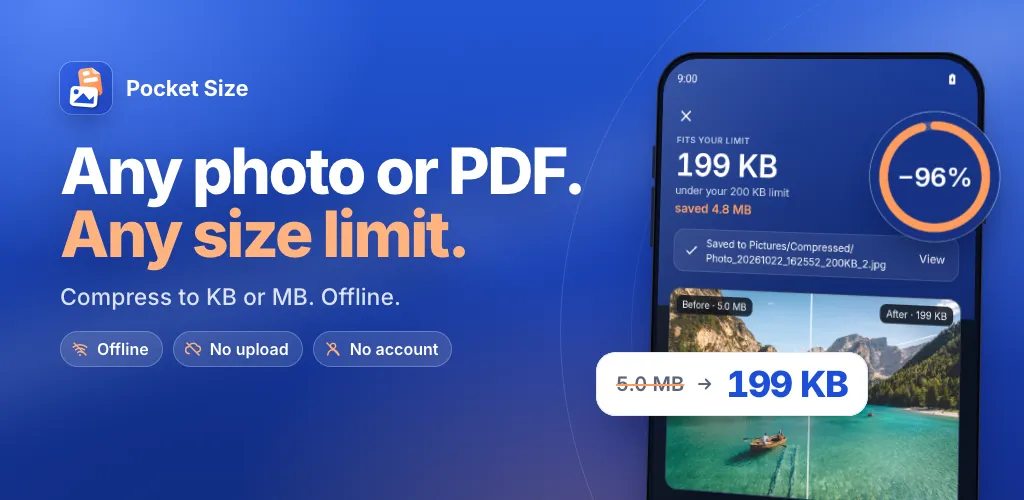
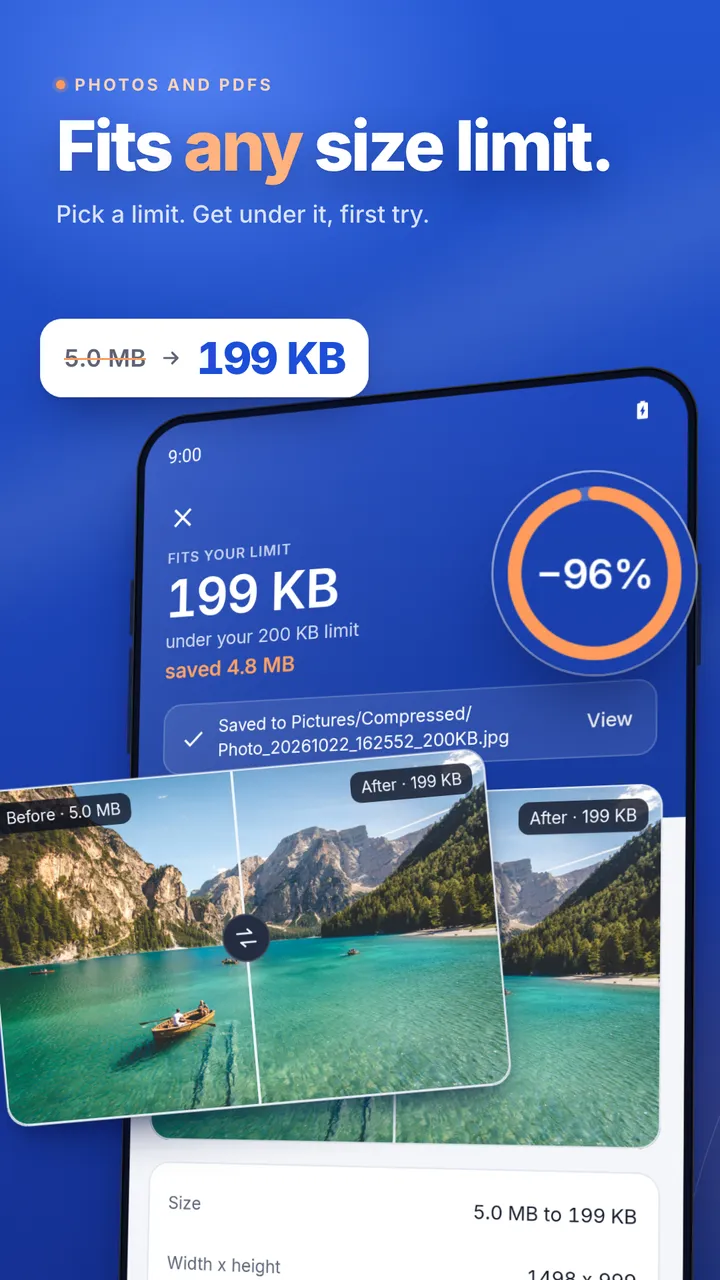
Photo results are never larger than the original, with a before and after slider to compare.
Pocket Size is a photo compressor and PDF toolkit that fits any file to a size limit. Everything runs on your phone. Nothing is uploaded, there is no sign-up, no watermark is added, and your originals stay untouched.
PDF compressor, merge PDF, split PDF
- Shrink a PDF to 1 MB, 2 MB or any limit. Keep text, the default, leaves text selectable. Smallest saves pages as images, so text is no longer selectable
- Photos to PDF (JPG to PDF): set the order, pick fit-to-photo, A4 or Letter, and stay under a limit such as 2 MB
- Merge PDF files, split a PDF by page or range, reorder and rotate pages. Merge, split and reorder keep your text
- PDF to JPG: save PDF pages as images in small, normal or high quality
- Remove PDF password: if you know the password, save a copy that opens without one. Pocket Size cannot recover or bypass a password, and it does not change PDFs whose author blocked editing
- A password you type stays on your phone for that task. It is not saved or sent
Compress photo to KB or MB
- Reduce photo size to 20 KB, 50 KB, 100 KB, 200 KB, 500 KB, 1 MB or any limit you type
- See the estimated size before you start, then compare before and after
- The result is never larger than your original. If a limit is out of reach, you get the smallest size possible
- Results save automatically, and Share is the first button you see
Resize photo in pixels, cm or inches
- Set width and height in px, cm or in, with crop, rotate and aspect lock. Photos are never enlarged
- Save as JPG, PNG or WEBP, and set DPI (72, 150 or 300) for JPG and PNG
- Image size reducer for email, chat and web upload limits
Passport size photo, visa and form photos
- Passport and visa photo presets by country and document type, with a head guide and eye line (no face detection)
- Presets for email, chat, social media, job and university portals and government forms
- Passport, visa and government-form presets show the date they were checked and a source link
- Fill a plain backdrop with white, light blue, light grey or a colour you pick. This is not automatic background removal
- Print sheet: repeat one photo on 4 x 6 in, 5 x 7 in or A4 paper at 300 DPI, as JPG or PDF
- Signature cleanup: white or transparent background and a size such as 140 x 60 px under 20 KB
- Pocket Size resizes and formats your photo. Not an official document: check the issuing authority's rules
Also
- HEIC to JPG (Android 9 and up), and WEBP, PNG, BMP or JPG to JPG, PNG or WEBP
- Remove location, camera and date details (EXIF) from photos before you share, or edit them on JPG photos
- Add a text watermark to one photo or many
- Batch: fit many photos at once with the same settings, then export them as one ZIP
- Pick "Compress to KB, MB" in your Share menu to send a photo or PDF straight to Pocket Size
Ads
Pocket Size contains ads. They keep every tool available, with no paywall, daily limit or locked feature.
Quick answers
How do I reduce a PDF to under 1 MB? Open Shrink a PDF, pick the file, choose 1 MB and tap Shrink.
How do I remove a password from a PDF? Open Remove PDF password, pick the file and type its password. Pocket Size saves a copy without a password. The original stays unchanged.
How do I compress a photo to 100 KB on Android? Open Pocket Size, tap Fit a photo, pick your photo, type 100 KB as the limit and start. It saves automatically.
Can I change a HEIC photo to JPG? Yes, on Android 9 and up. Pick the photo, choose JPG and save.
Are my photos and PDFs uploaded? No. Everything is processed on your device.
Install Pocket Size and make your next file fit.
Questions
Answers come from the Google Play listing.
Is Compress PDF to 1MB & Photo KB free?
Yes, Compress PDF to 1MB & Photo KB is free to download from Google Play and contains ads and has no in-app purchases.
Where can I download Compress PDF to 1MB & Photo KB?
Compress PDF to 1MB & Photo KB is available for Android on Google Play: https://play.google.com/store/apps/details?id=com.mobileappzgroup.imagefit
Who makes Compress PDF to 1MB & Photo KB?
Compress PDF to 1MB & Photo KB is developed by Nishant Chauhan under the MobileAppzGroup label.
When was Compress PDF to 1MB & Photo KB released?
Compress PDF to 1MB & Photo KB was first released on Google Play on Dec 19, 2025.